On-device inference
Every answer is computed locally. After setup the app works in airplane mode.
On-device AI for Android
KeepAI thinks entirely on your phone. Answers, document understanding, image recognition and dictation all happen locally — no cloud, no account, no subscription.
Play Store release in preparation. The internal test track is already running.
Why KeepAI
It is the architecture. There is no server anything could be sent to — the app ships neither analytics nor advertising SDKs.
Every answer is computed locally. After setup the app works in airplane mode.
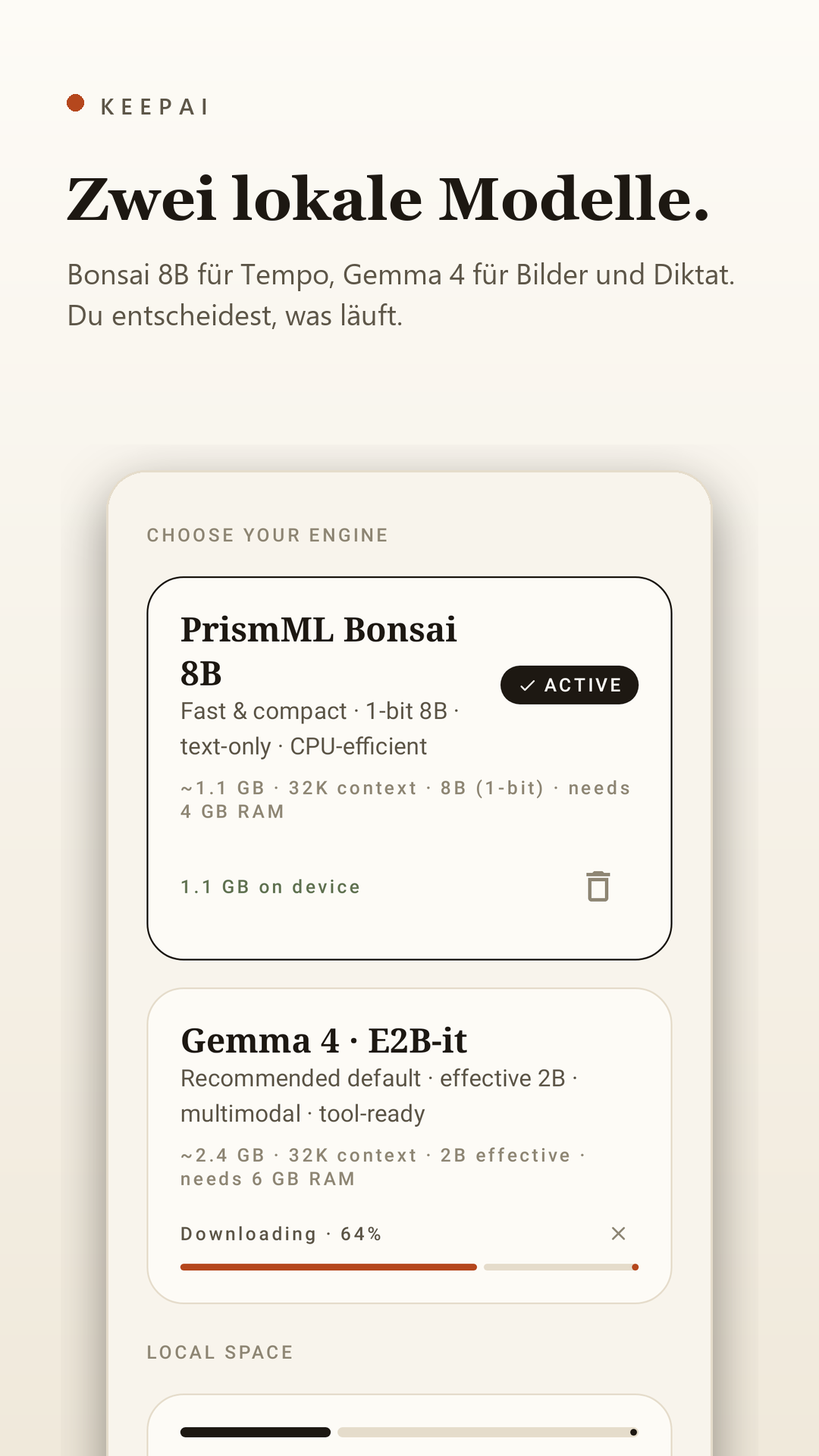
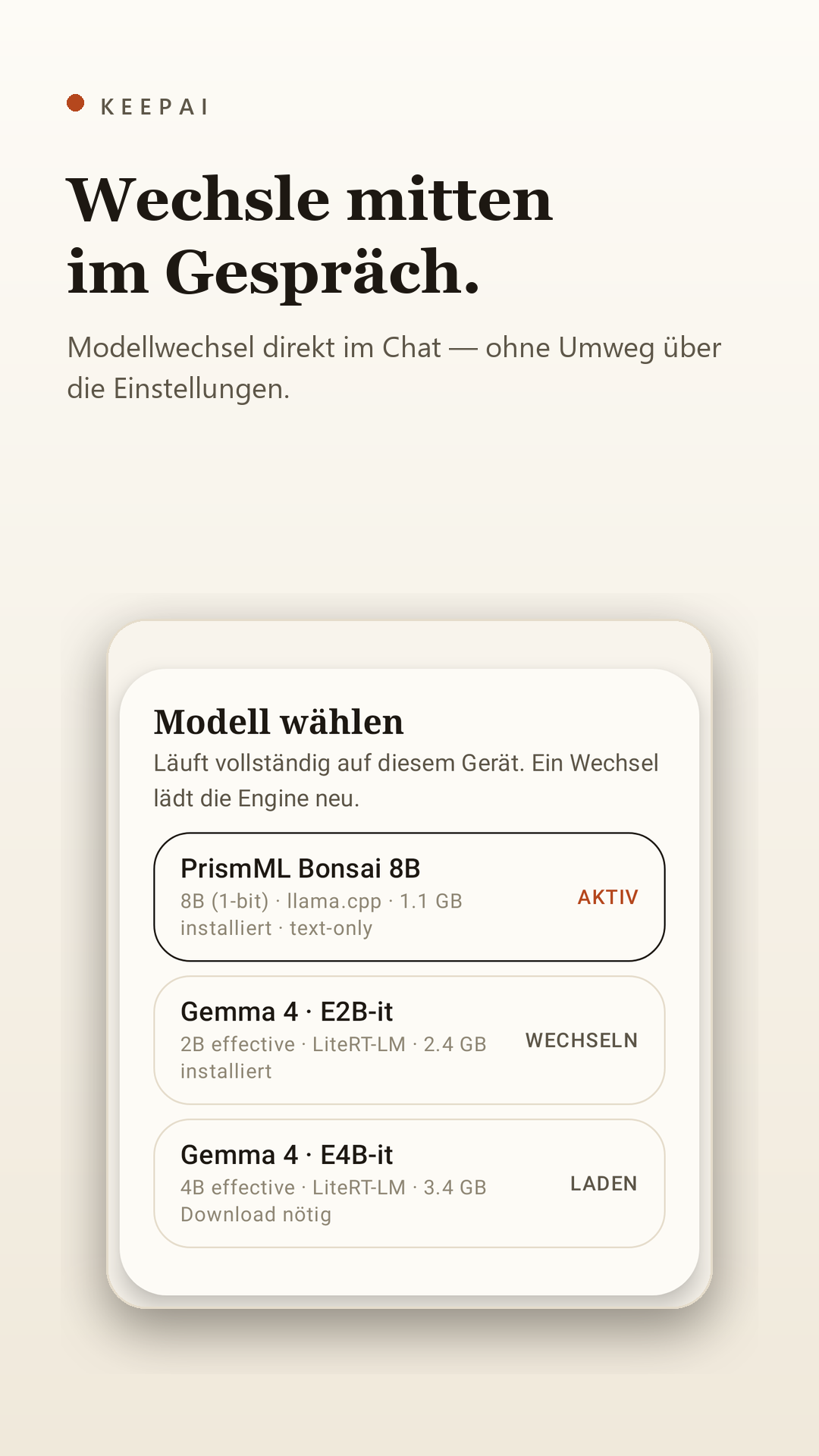
PrismML Bonsai 8B for speed, Google Gemma 4 for images and dictation — switchable mid-chat.
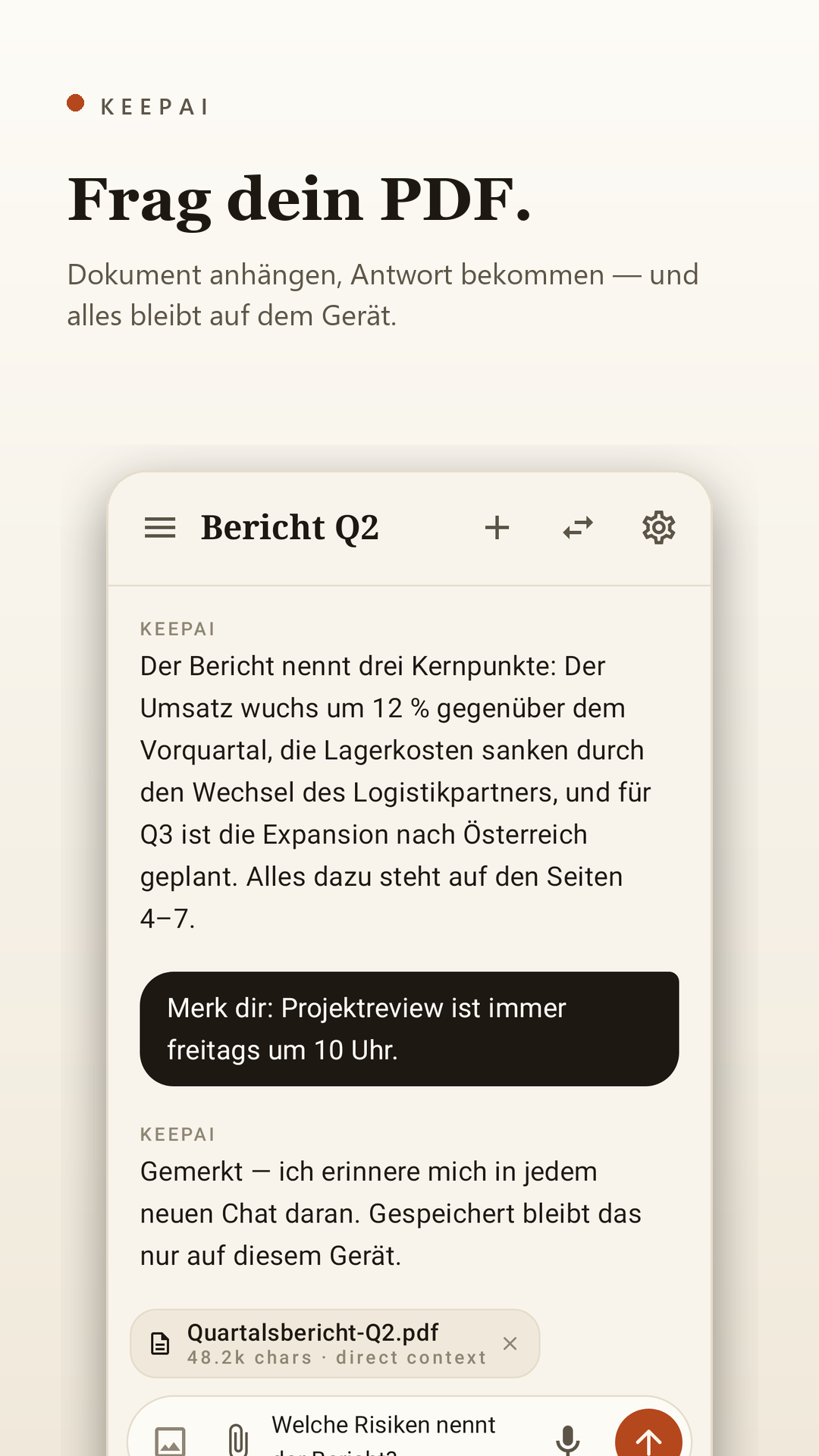
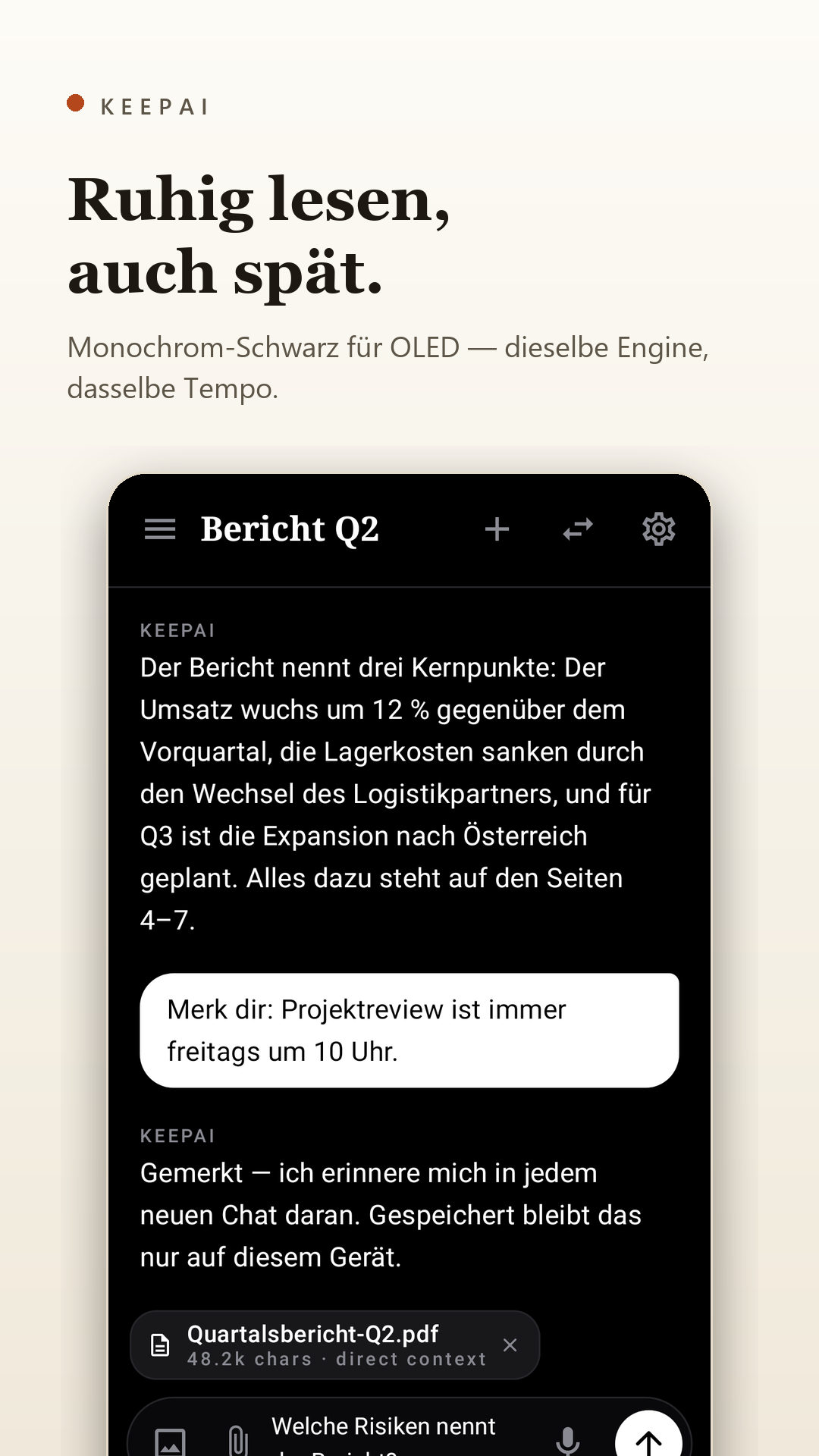
Attach PDFs and text, then ask. The content stays in the app's private storage.
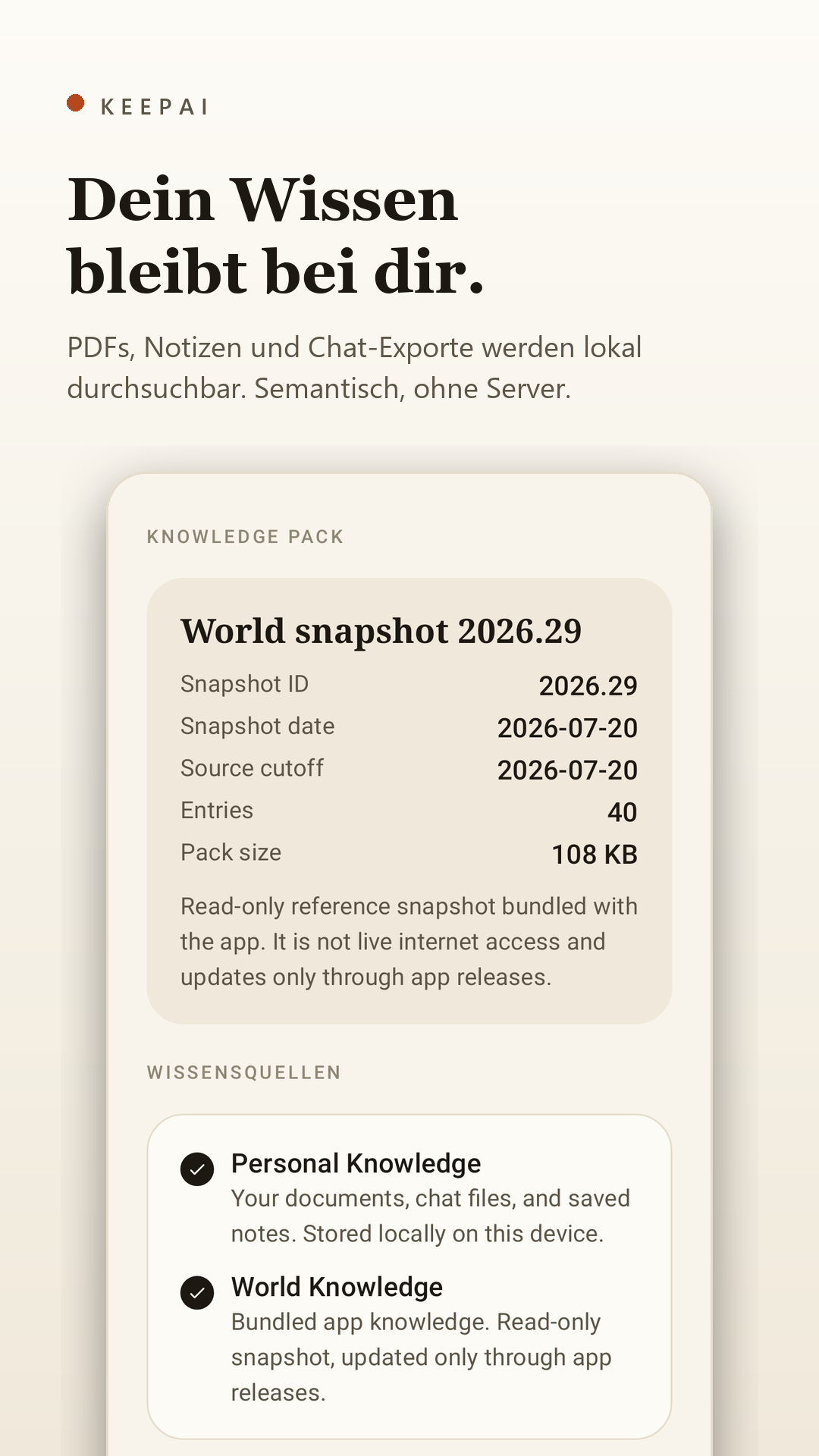
Notes, memory entries and chat exports become semantically searchable — fully local.
A curated offline knowledge snapshot that grows with every app update.
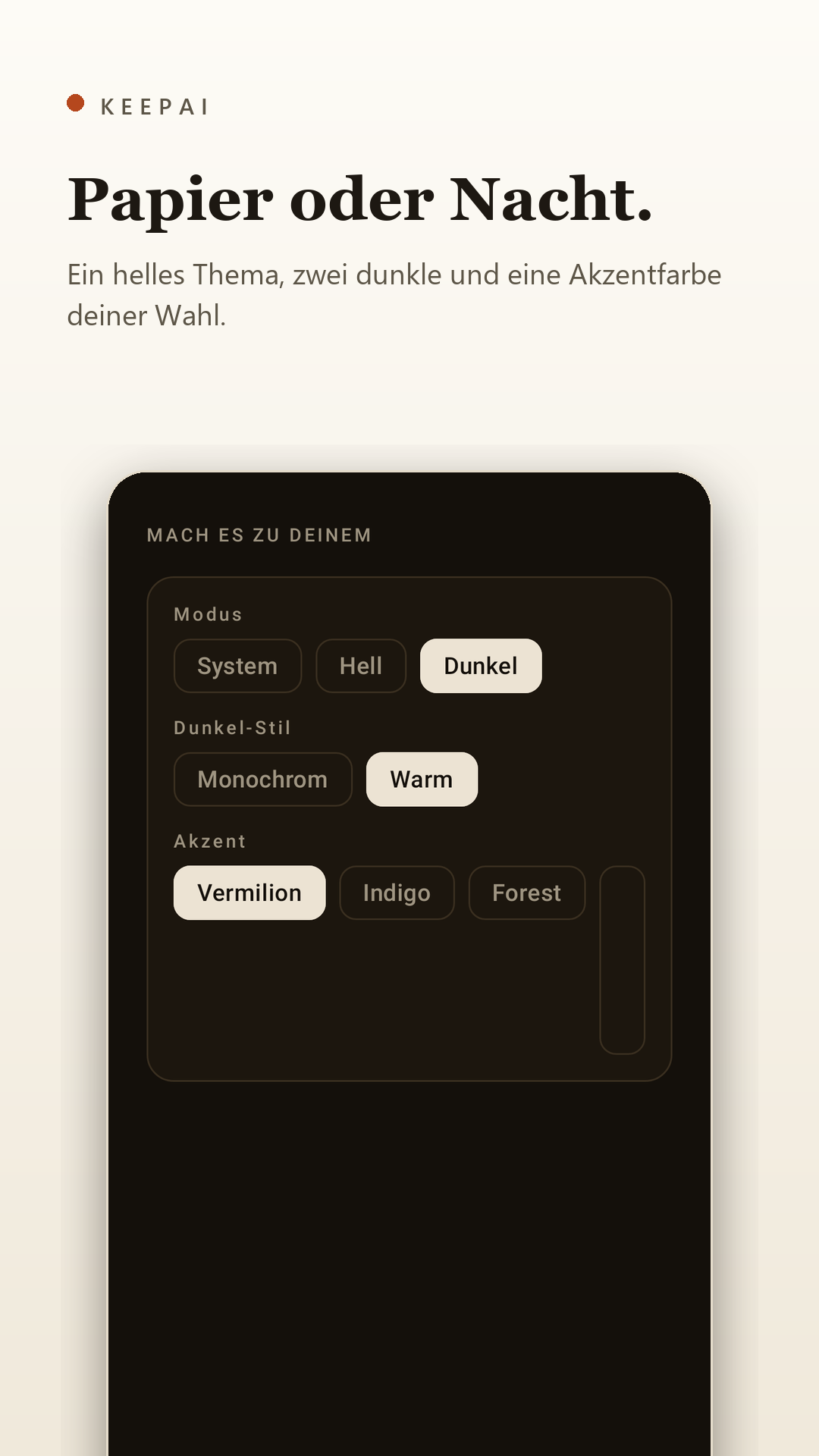
One light theme, two dark ones and selectable accent colours. Quiet enough for long reads.
A look inside
Screens shown in German — the app follows your system language where translations exist.
Engines
Both run natively on the device. Download exactly what you need and switch whenever you like — even mid-conversation.
| PrismML Bonsai 8B | Google Gemma 4 | |
|---|---|---|
| Strength | Speed and efficiency | Multimodal: images and dictation |
| Runtime | llama.cpp | LiteRT-LM |
| Size | approx. 1.1 GB | approx. 2.4 GB (E2B) · 3.4 GB (E4B) |
| Context | 32K | 32K |
| Memory | from 4 GB RAM | from 6 GB RAM |
| Delivery | One-time download during setup — or fully offline via file import. | |
Your knowledge
What you entrust to KeepAI never leaves your device — not even when it remembers it.
“Remember that …” — and KeepAI has it ready in every new chat.
Imported PDFs and notes are indexed locally and drawn on while answering.
Uninstalling removes everything. No copy exists off-device, system backup is disabled.
Price
Price includes VAT, billed through Google Play. Availability and final price may differ by country.
Requirements
A recent Android device with at least 6 GB RAM — Pixel 8 or newer, Galaxy S23 or newer.
Bonsai 8B also runs on more compact devices from 4 GB RAM.
Between 1.1 and 3.4 GB free, depending on the model. The app checks before every download.
FAQ
Only once: to download the AI model during setup. After that the app works fully offline. If you prefer, import the model as a file and never go online at all.
Exclusively in your device's private app storage. There is no server, no sync and
no system backup (allowBackup=false).
No. A one-time purchase of €9, with no further costs and no in-app purchases.
The recording is transcribed on-device, never stored and never transmitted. The app asks explicitly before first use.
PrismML Bonsai 8B via llama.cpp and Google Gemma 4 (E2B/E4B) via LiteRT-LM. Both are verified by SHA-256 on download.